
Glasses designed around the safety rules
Measurements in the corner of your view while your hands stay on the work. No Sightwright hardware exists yet: this page describes the design approach, and every figure on it is a design target.
Concept · nothing tested or certifiedLight on the face, heavy parts elsewhere
A small Light Pod at the temple holds only what has to be near the eye: the display, camera, sensors and a safety controller. It docks into either the Snap Frame, Sightwright's own safety frame, to be tested and certified together with the Light Pod as eye protection, or the Boom head-band, worn with the crew's own certified (including prescription) safety glasses.
The computer, radios and hot-swap battery ride in the Snap Puck. Most of the time it sits on a snug chest harness under the vest, joined by a cable fixed along the frame and collar that breaks away at both ends. Near moving machinery or live electrical equipment, the Puck moves onto the rear head strap, so no cable leaves the head.
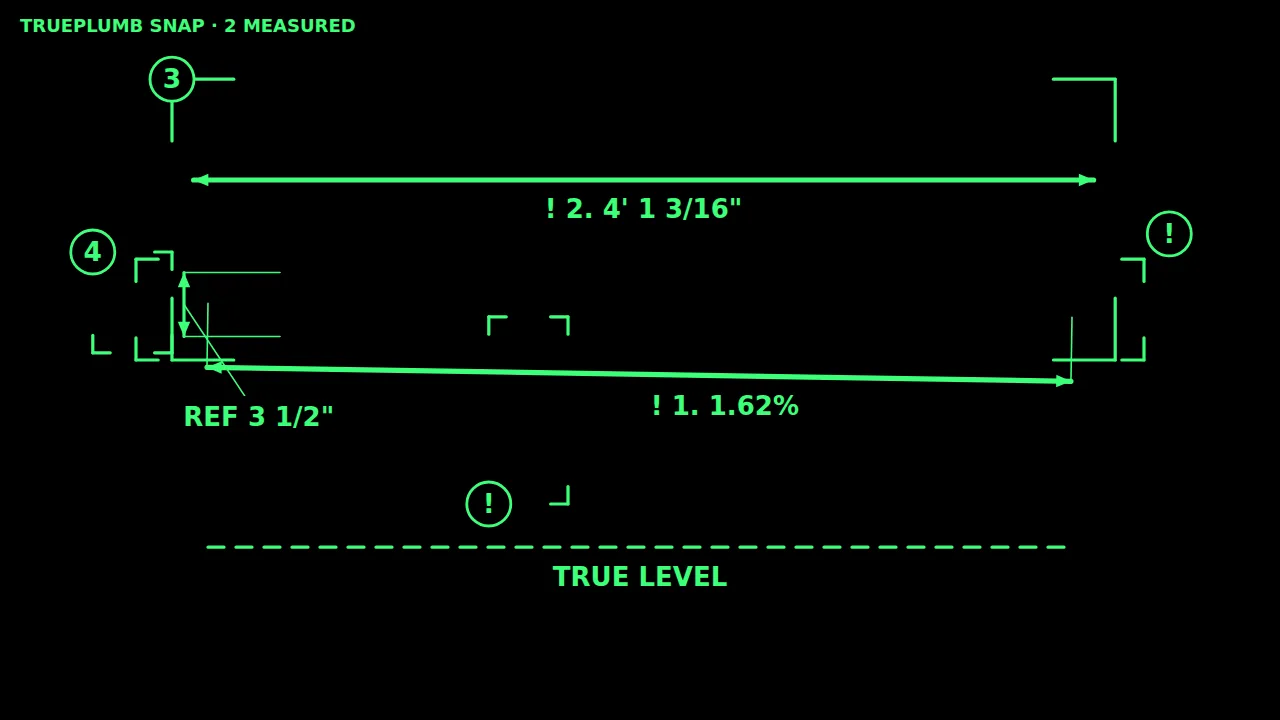
The glasses would show the same layer the app already draws in its glasses view: one colour on black, where black stays clear and only the lines and numbers light up.
Rules the design follows
Taken from the WorkSafeBC Occupational Health and Safety Regulation, Part 8 (personal protective equipment), as read in September 2026. Our reading has not yet been confirmed by WorkSafeBC or a testing lab.
The display is never the eye protection
The optics sit between an outer and an inner polycarbonate shield. The frame and the display unit are to be tested together as one product.
Nothing clips onto other safety glasses
Adding hardware to someone else's certified eyewear leaves an untested combination. The display unit locks only into Sightwright mounts.
Nothing drills into a hard hat
Modified headgear has to be taken out of service. A hard-hat version is a later, partner-based product.
No lasers
LED or microLED light only, with a brightness cap in hardware that software can't override.
The centre of your view stays clear
The picture sits in the lower-outer corner, dims when you move your head fast, and turns off with one button.
Works with the rest of your PPE
Thin temples for earmuffs, a low bridge for half-face respirators, room under a hard-hat brim and a face shield, and a prescription option.
No loose cable near machinery
Near moving machinery or live equipment, the computer and battery move onto the head strap so no cable leaves the head. Elsewhere the cable is fixed to the frame and collar and breaks away at both ends.
A pulled cable clears the view
A safety controller on the glasses keeps the brightness cap and auto-dim working, and turns the display off the moment the cable comes loose.
Daily-use design targets
| Need | Design target |
|---|---|
| Shift | 8–10 hours with one battery swap, no reboot |
| Temperature | Operate from −20 to +45 °C |
| Dust and water | IP66 and IP67 for the display unit and the Snap Puck |
| Drops | 2 m onto concrete |
| Weight | Under 65 g on the face; the computer and battery ride elsewhere |
| Gloves and noise | Every action by voice or 3 large buttons; voice usable to about 100 dBA |
Testing plan
None of this testing has started. The plan is to test the frame and display unit together as eye protection to the editions of ANSI/ISEA Z87.1 and CSA Z94.3 that BC names; the display's light to IEC 62471; and the electrical product, battery and radios to the Canadian standards that apply, in both ways of wearing it, before any sale.